
Apple Mail makes it easy to import your data from other e-mail clients.
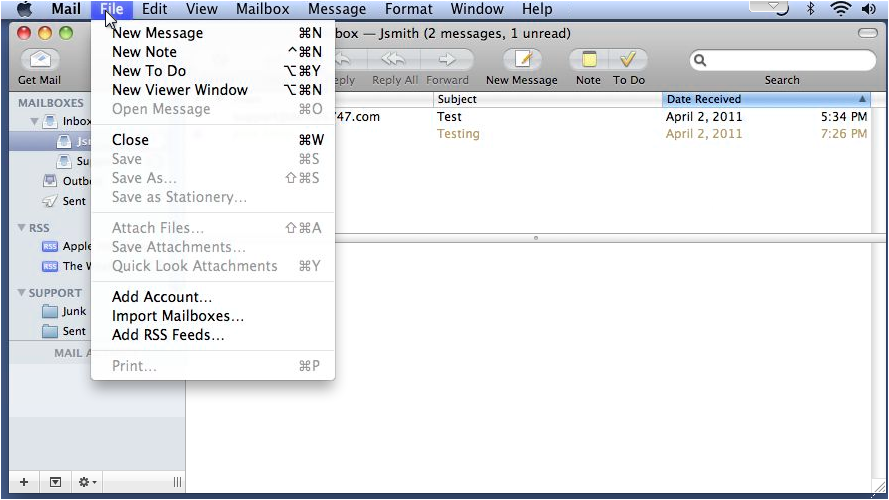
1 Go to File... and click Import Mailboxes.
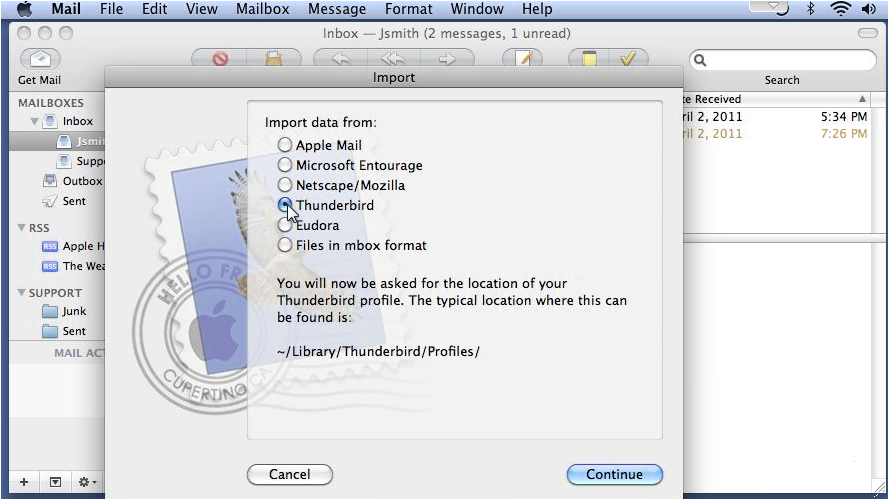
2 Choose the program from where you're importing data... then click Continue.
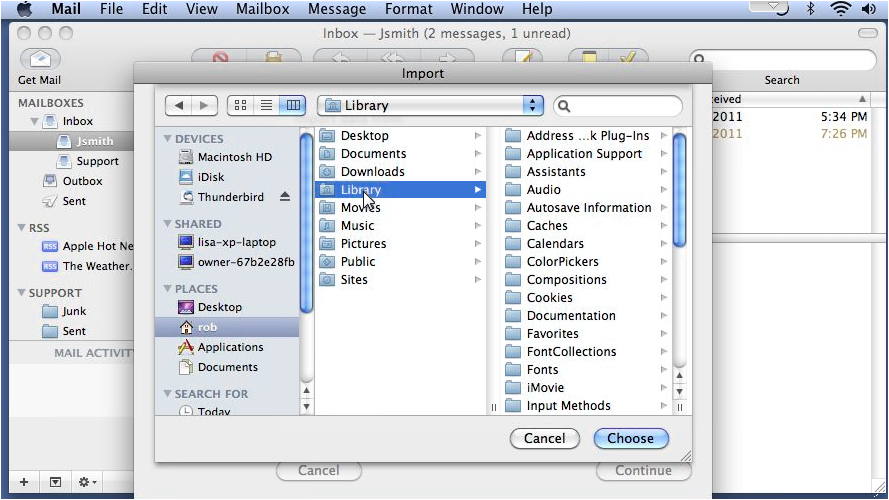
3 Browse for the location of your profile... then click Choose.
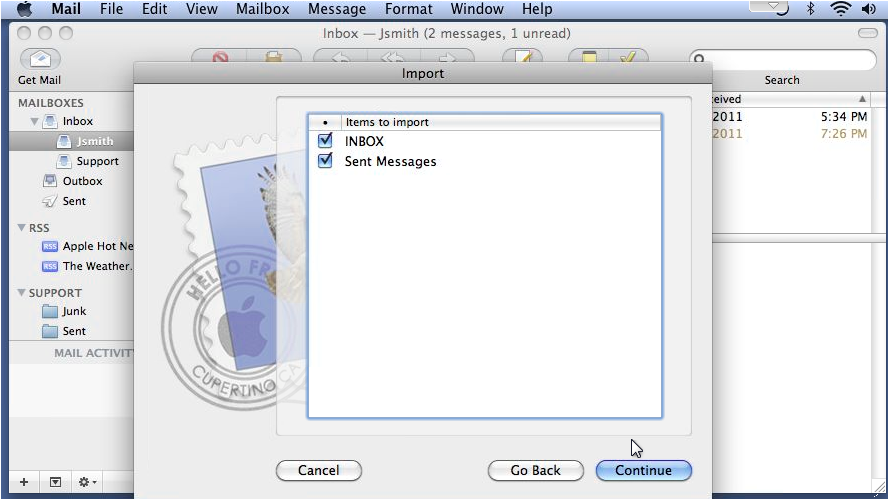
4 Select the items to import and click Continue.
5 Then click Done.
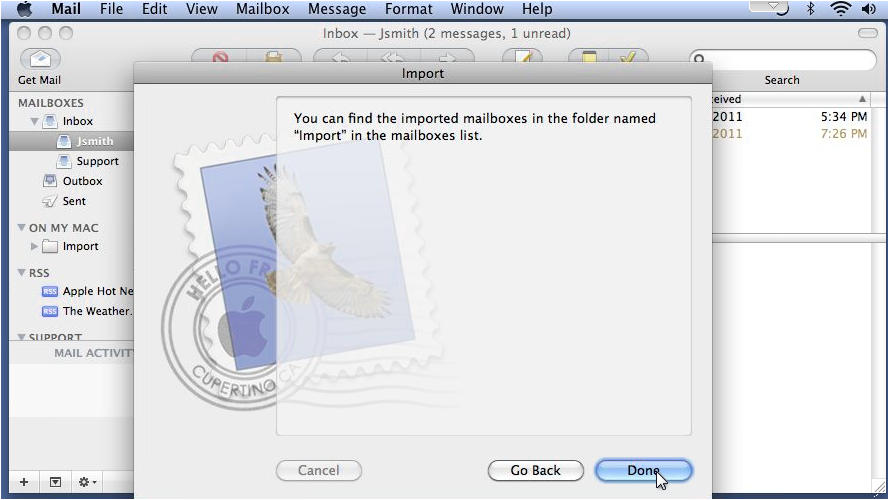
6 The new items can be found in the Import folder.
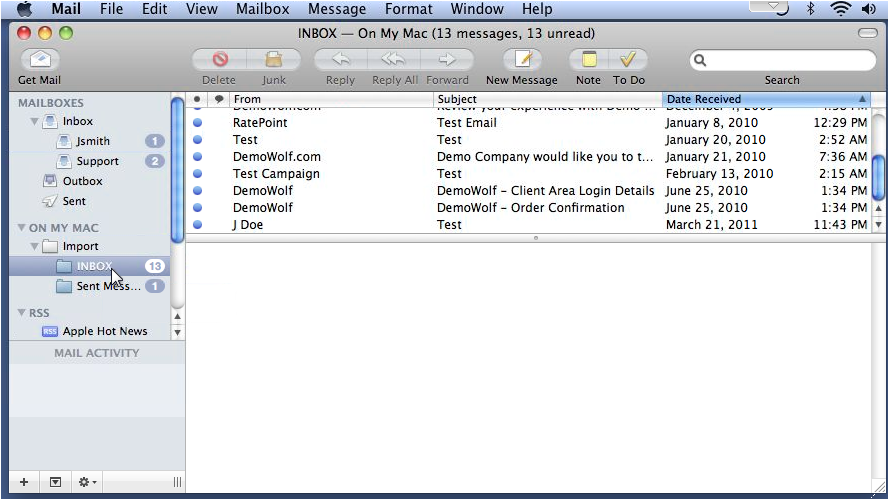
That's it! Now you know how to import data from other e-mail programs.